> For the complete documentation index, see [llms.txt](https://docs.emaillabs.io/llms.txt). Markdown versions of documentation pages are available by appending `.md` to page URLs; this page is available as [Markdown](https://docs.emaillabs.io/en/first-steps/security/changing-your-login-password.md). Agents can also search and read this documentation through its [MCP server](https://docs.emaillabs.io/~gitbook/mcp).
# Changing Your Login Password
Regularly changing your login password helps enhance your account’s security. Below are the steps needed to change your password, along with instructions on what to do if you forget your current password:
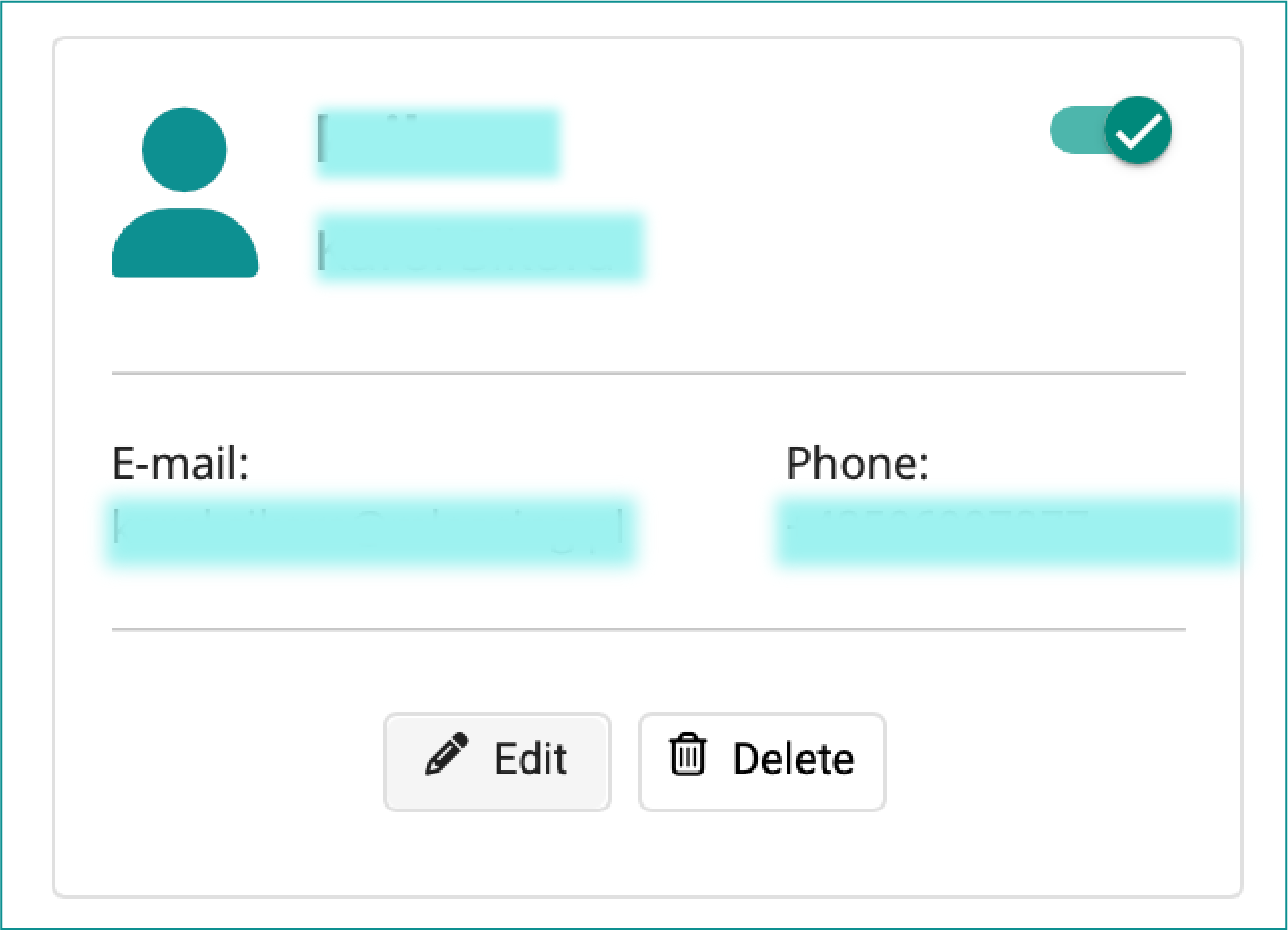
* Navigate to the user settings by selecting ‘Account’ > ‘Users’.
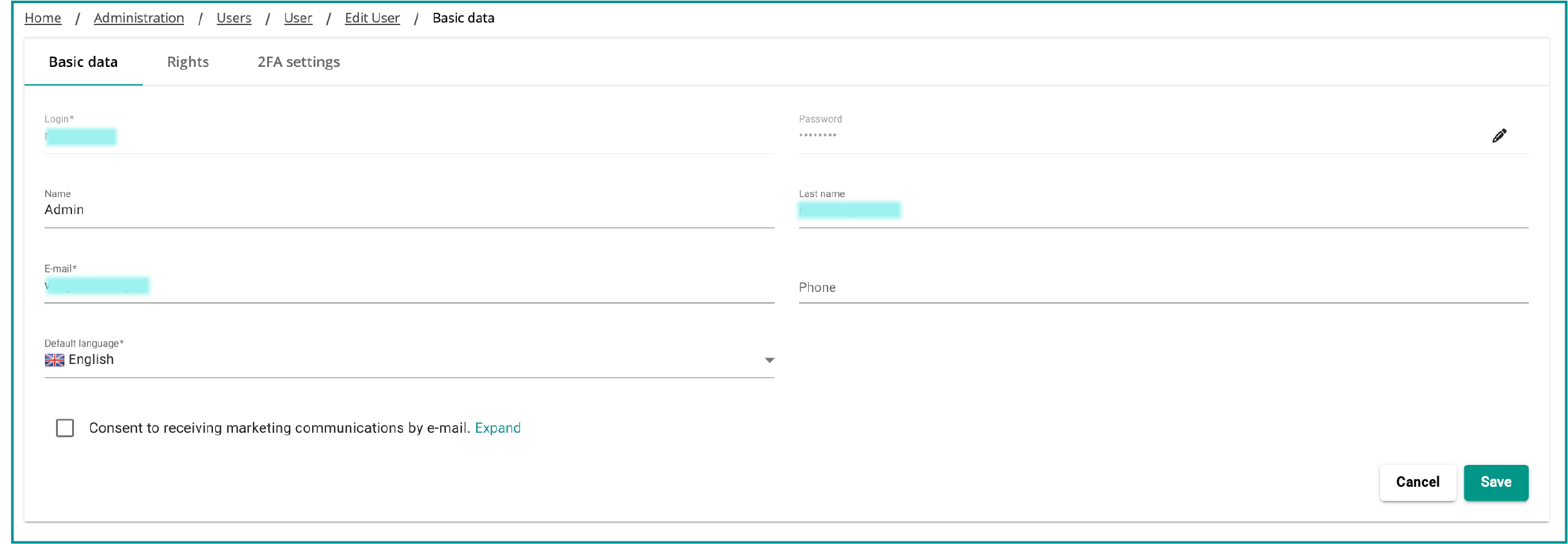
* Locate your profile and click on the ‘Edit’ option.\
* Click the pencil icon next to the ‘Password’ field.\
* In the displayed field, enter your current password. Then, type your new password and repeat it in the field below to confirm.\
* Click the ‘Change Password’ button to save your new settings.